FBR
LiveFBR Digital Invoicing
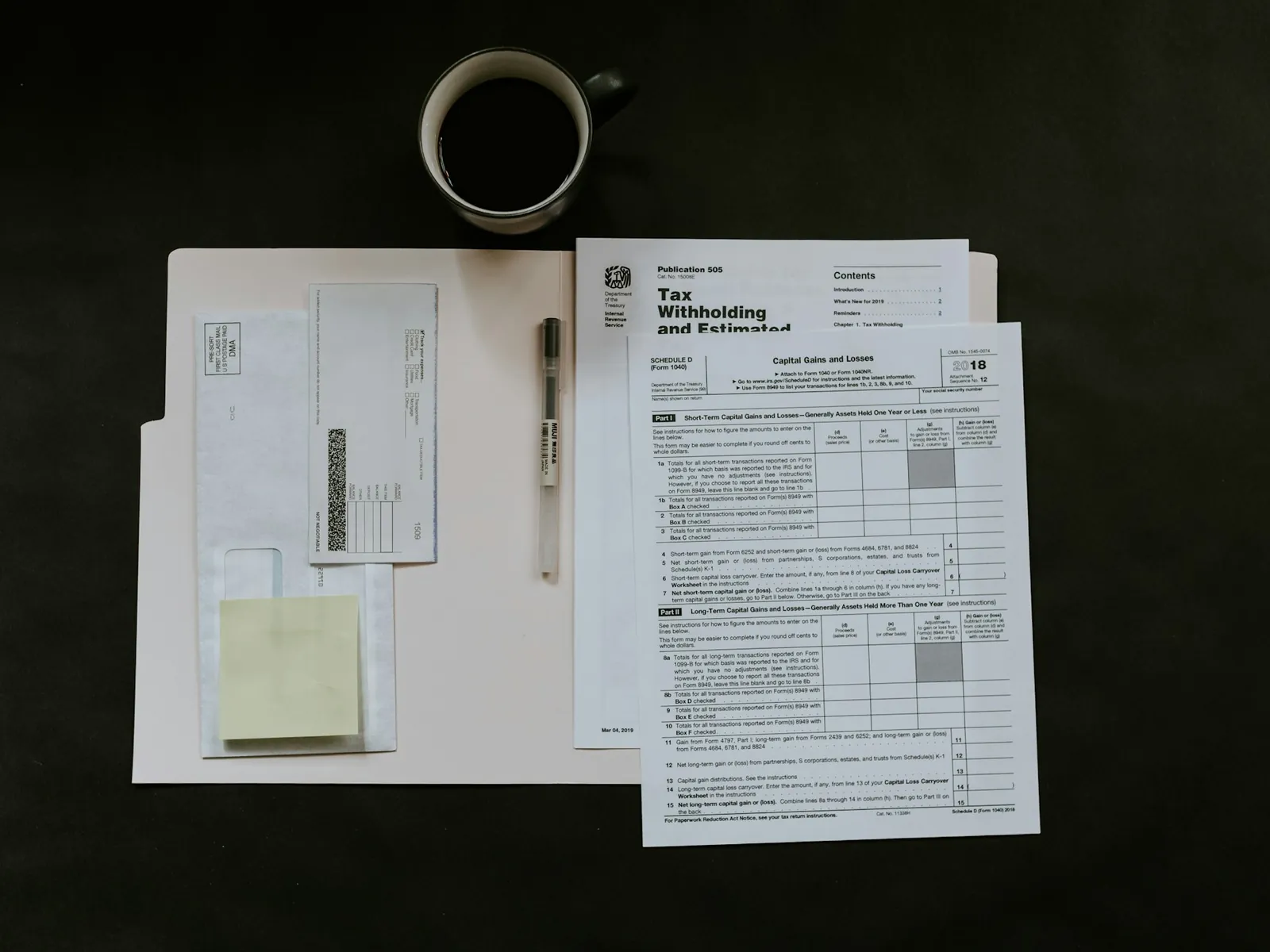
Sales-tax invoices validated, posted to FBR, and the response kept.
- Validate before posting
- IRN and QR on your invoice
- Every response stored
See the FBR module
+1 module

Accounting software · Pakistan
Double-entry books underneath. Your trade's costing, documents and production on top — one system, one set of records.
How it is built
Not an accounts package beside a costing spreadsheet with someone re-typing between them. One system, and your trade's layer is part of it.
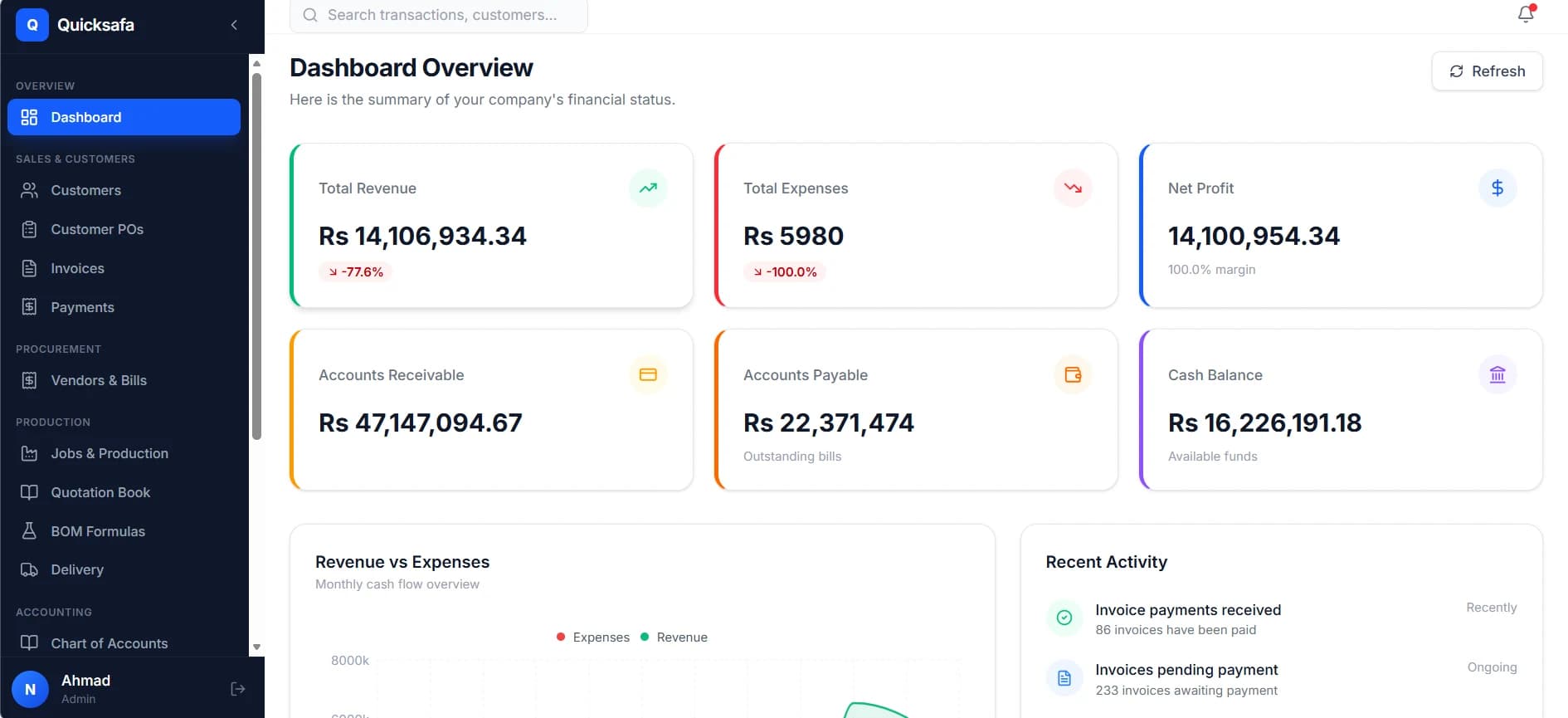
One customer list · one item catalogue · one general ledger
Modules by industry
Each one is built on the same accounting core — so this is a choice about what sits on top of your books, not which product to buy.
FBR
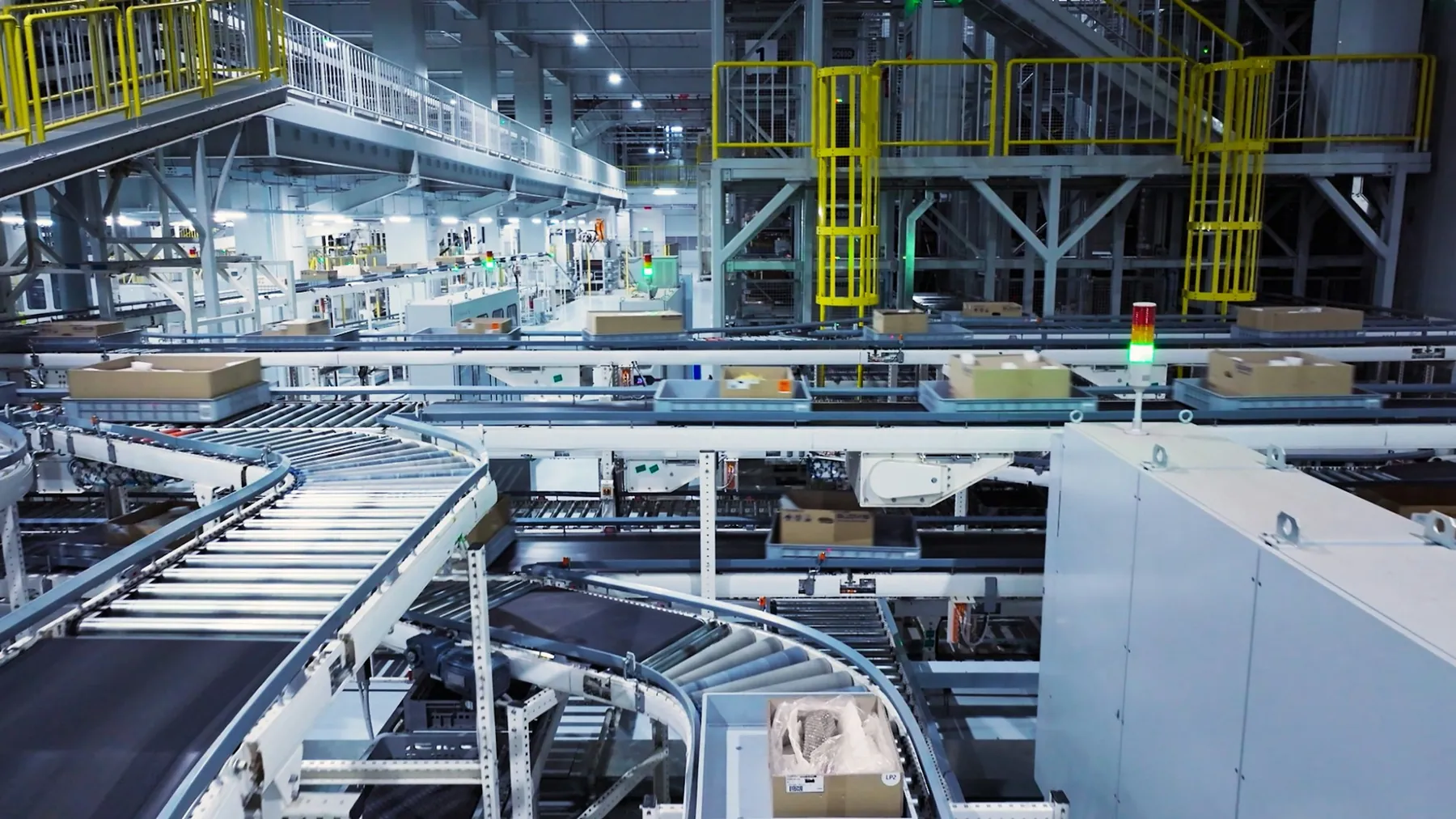
LiveSales-tax invoices validated, posted to FBR, and the response kept.
+1 module

Corrugated Box
LivePly costing carried from the quote to the challan without re-typing.
+3 modules
Others
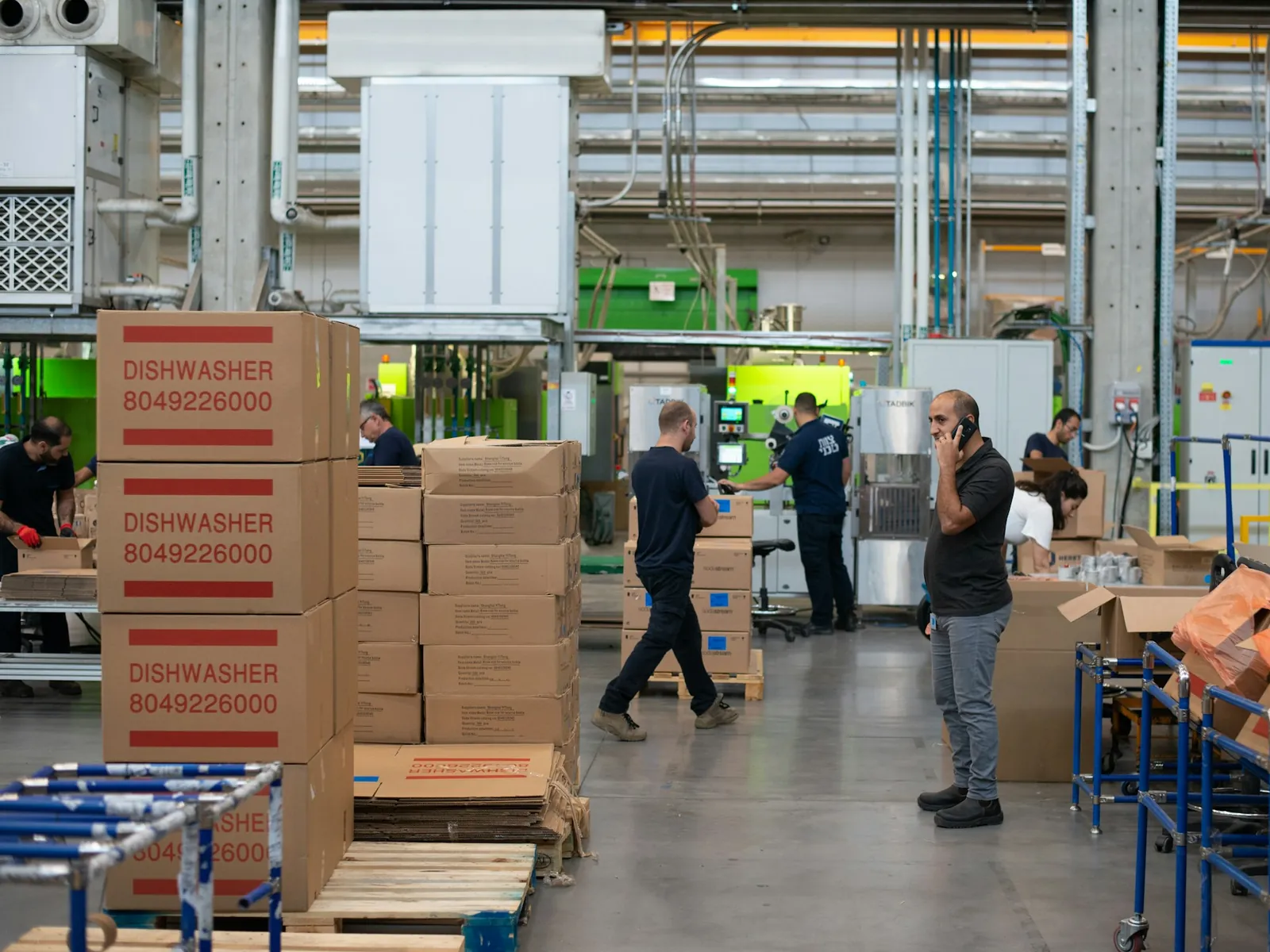
OpenNot built yet. We come to your floor and design it with you.
How we work
A workflow written by someone who has never seen your floor is a workflow you spend two years working around. So we start on your floor.

Before anything is quoted, somebody from us is standing where the work happens.
01
An afternoon on your floor, not a video call.
02
Your estimator, storekeeper and accountant — not the org chart.
03
Costing, documents and approvals, shown back before a line is written.
04
We build it, load your history, and train your staff on site.
The core is already built — only your layer is new, so it is weeks.
Every module, in detail
Nothing is re-keyed between them, because there is nothing to re-key it into.
Accounting core
Sales
Purchasing & Stock
Books
Platform
Industry modules
FBR Compliance
Corrugated Box
Every customer with a statement-style ledger underneath — what they bought, what they paid, and what is still outstanding, in one running list you can hand to them.
Log the buyer purchase order once. Turn it into a production job or an invoice without anybody re-typing a specification, a quantity or a rate.
Sales invoices on your own template, posting their own journal entry. Where the FBR module is switched on, they validate and post to FBR from the same screen you raise them on.
Record receipts against the invoices they settle. Receivables stay right without a month-end reconciliation exercise.
Delivery challans on your own template, out of the gate and onto WhatsApp before the truck reaches the buyer. Stock comes off on dispatch, not at month end.
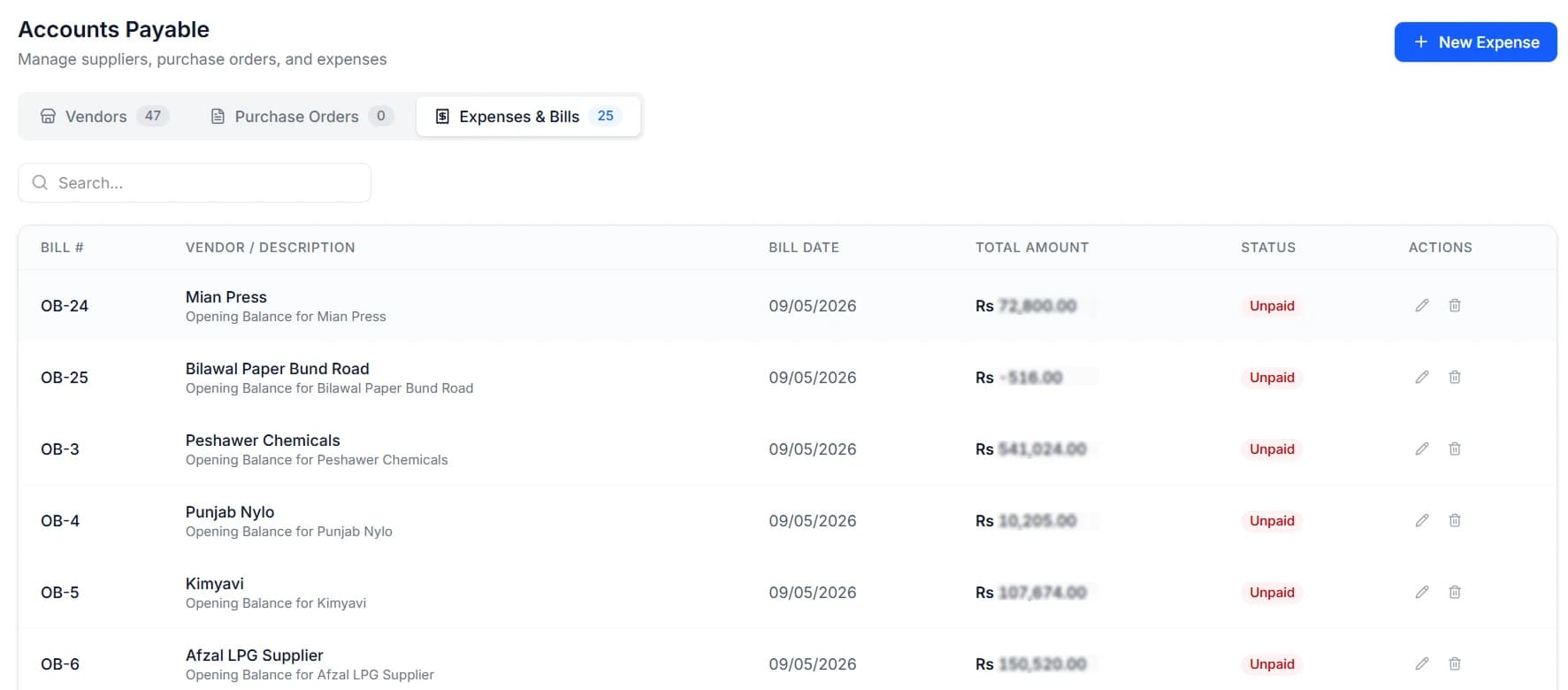
Suppliers, purchase orders and bills in one place, with a ledger per vendor so you know exactly what you owe and since when.
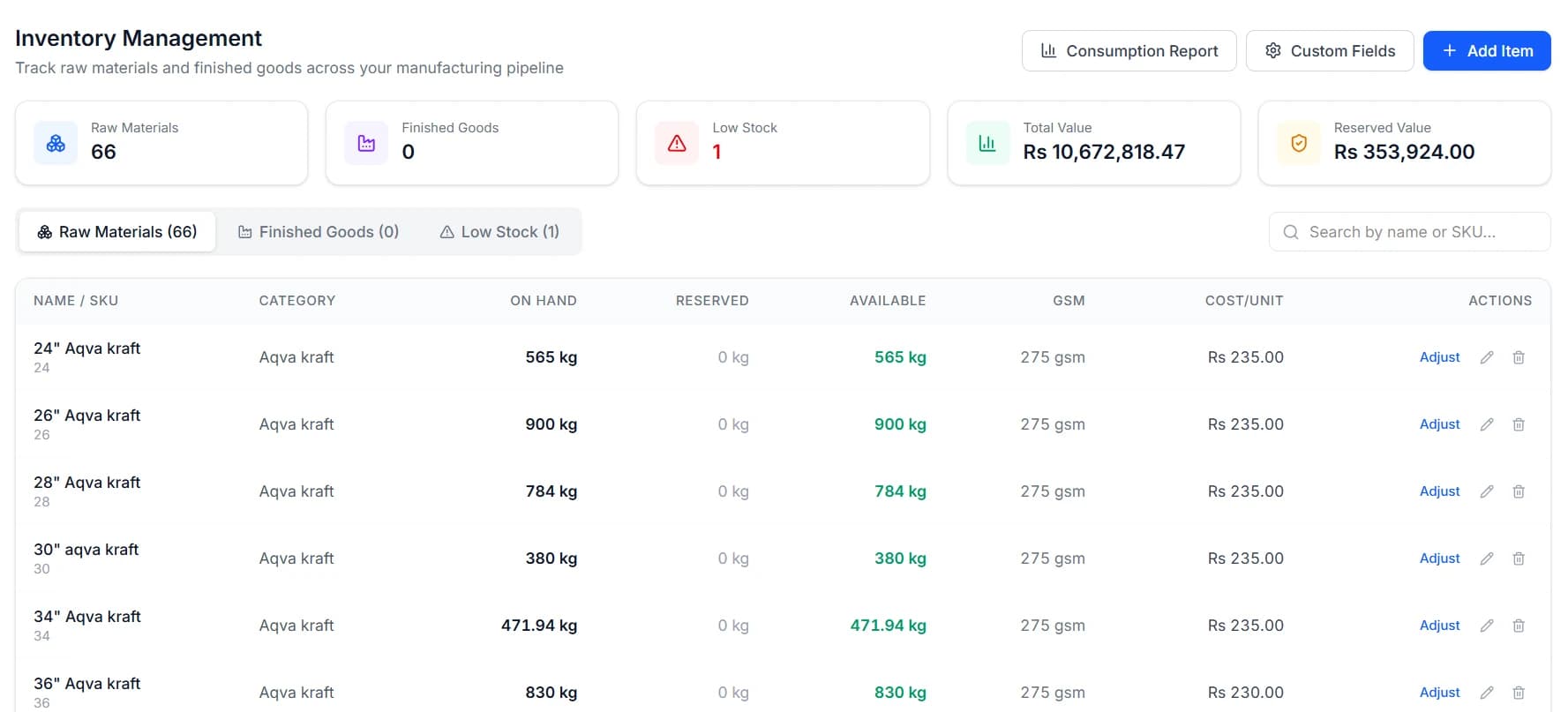
Live stock by item and location, with the movement history behind every figure rather than a closing number you have to trust. Your industry module adds whatever else your stock is measured in.
One catalogue of raw materials, consumables and finished products, shared by costing, purchasing, production and the books. Defined once, used everywhere.
Machinery, vehicles and plant on a register that ties back to your balance sheet instead of living in a side spreadsheet.
A real double-entry general ledger. Every invoice, receipt, bill and payment posts a journal entry you can open and inspect.
Over thirty reports covering the books and the operation — and they print the way they look on screen, which is not a given in this category.
Invite your staff and decide, module by module, what each of them can open. The floor supervisor does not need to see your margins.
Company profile, tax credentials, invoice numbering and print templates — set once, applied everywhere and to every document you hand out.
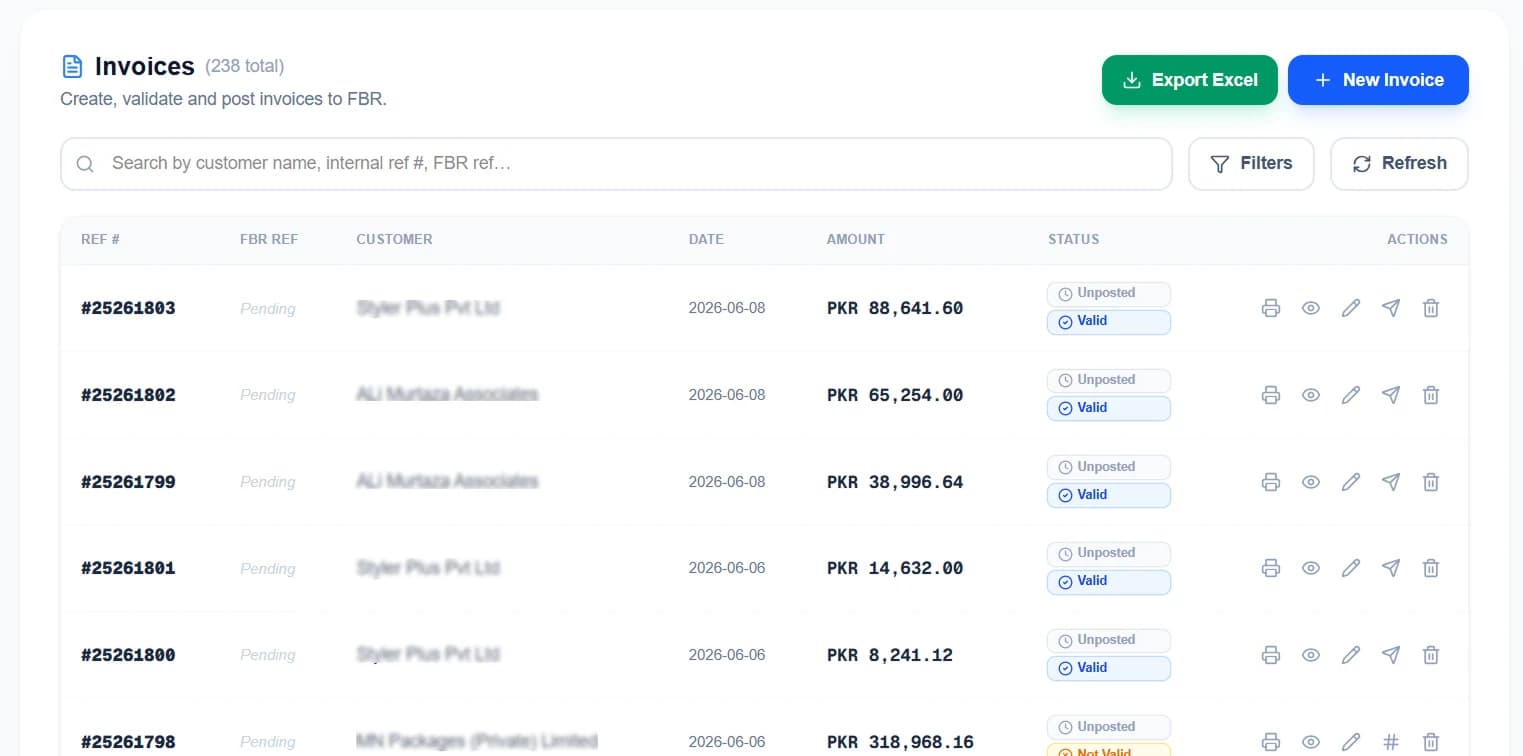
Validate and post sales-tax invoices straight to FBR. It genuinely posts and returns an IRN and a QR code — it is not a green button on a spreadsheet.
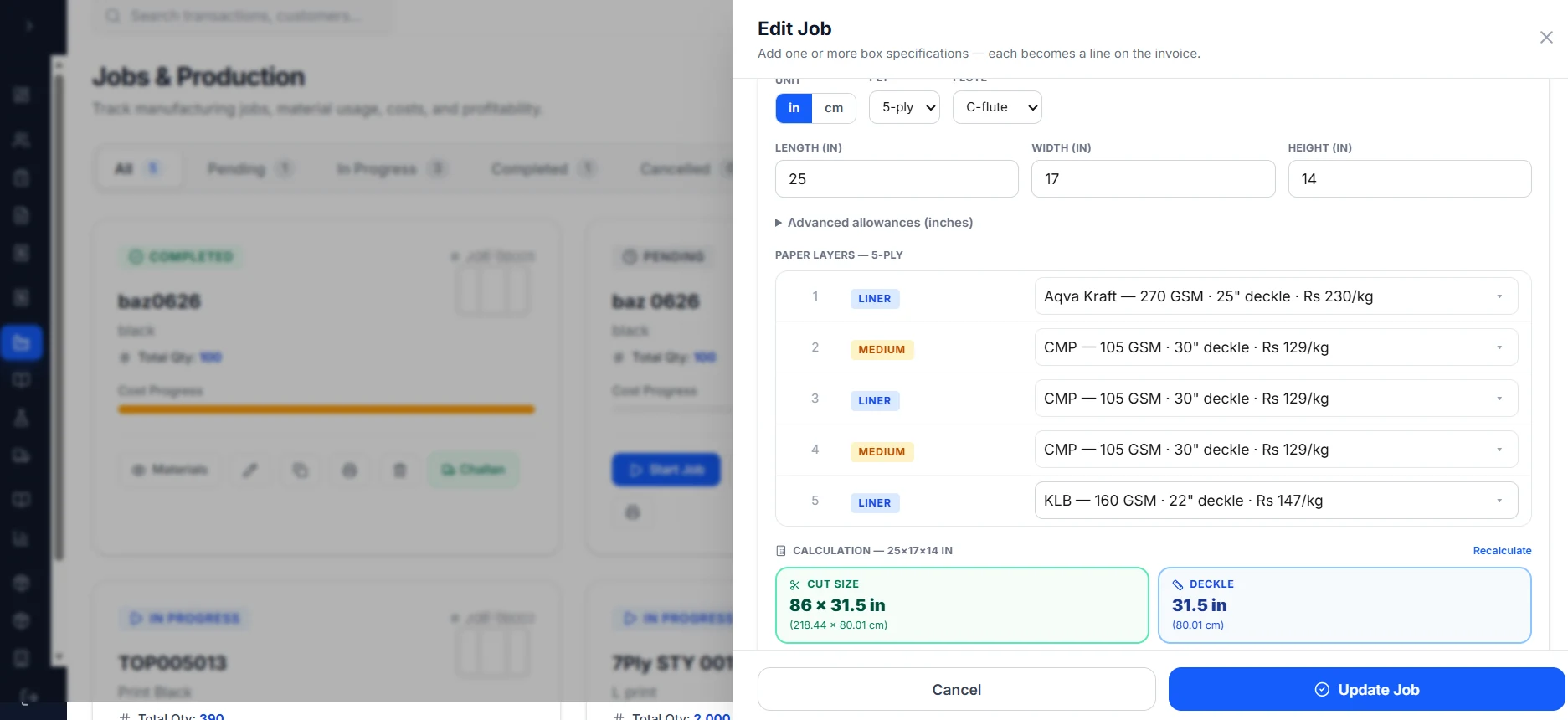
A job card per order carrying the ply stack, the cut size and the deckle the floor actually needs — computed from the box, not copied out of a notebook.
Quote 3, 5 and 7-ply cartons off stored rate cards. The price you quoted last March is still there when the buyer rings back about it.
Board and paper formulas, so the same box costs the same way twice — whoever works it out and whenever they do it.
Industry module · Compliance
Your invoice goes to FBR and what FBR sends back is recorded. If it rejects, you get the rejection — not a green tick.
Only need FBR invoicing? Take it on its own — the books can come later, with nothing re-entered.
See the moduleFree · no sign-up
This is the costing engine out of the corrugated module, live and free. Same code the app runs — put in your own carton and your own paper rates.
Ply stacks, flute take-up and deckle — priced against the reels you actually stock.
Inside dimensions of the finished carton.
2 liners + 1 medium = 3 sheets
Use your last buying rate.
Printing, punching, stitching, overhead
Cost per box
Rs 59.83
18 × 12 × 12 in · 3-Ply · C-Flute
Board weight
375 g
per box
Order value
Rs 59,829
1,000 boxes
Board geometry
Quick Safa snaps the deckle to the reel widths you actually stock, splits a blank that exceeds your corrugator into two pieces, and recalculates paper use from what the plant really cuts — then sends it to the job card.
Sign up to unlockEvery sheet in the 3-ply stack, outer to inner.
| Sheet | GSM | g / box | Total kg | Cost |
|---|---|---|---|---|
| ATL | 120 | 118 | 117.6 | Rs 19,404 |
| CMP | 100 | 140 | 140.1 | Rs 21,021 |
| ATL | 120 | 118 | 117.6 | Rs 19,404 |
| Total | 375 | 375.3 | Rs 59,829 |
Paper only, unless you add a conversion rate. Real consumption also depends on reel width, trim and process waste — all of which Quick Safa accounts for from your own stock and machine settings.
Assistant
It works on your own ledger, so every answer comes with the entries behind it.
Safa Assistant
Online
How are receipts tracking this half-year?
Receipts are up 25.1% across the half, at Rs 33,090,000. June was the strongest month.
| Month | Receipts | Share of peak |
|---|---|---|
| Jan | Rs 4,120,000 | |
| Feb | Rs 5,260,000 | |
| Mar | Rs 4,480,000 | |
| Apr | Rs 6,310,000 | |
| May | Rs 5,740,000 | |
| Jun | Rs 7,180,000 |
Illustrative figures. The assistant answers from your own ledger.
Getting started
The most common reason a business stays on Excel is not the software. It is the thought of moving — so moving is our job.
Talk to us about your dataExcel, a register, a printout, an export. No format requirement.
Customers, vendors, items with their rates, and opening balances for every ledger.
Matched to how you already keep your books, not to a template.
Office and floor, on your own data. Not a slide deck.
Bring what you have to the demo — we will tell you what moving it would take.
The first conversation costs nothing and commits you to nothing.
Or ring +92 306 7878333 · WhatsApp +92 370 8439178