
Industry module · fbr.quicksafa.com
FBR digital invoicing, on its own.
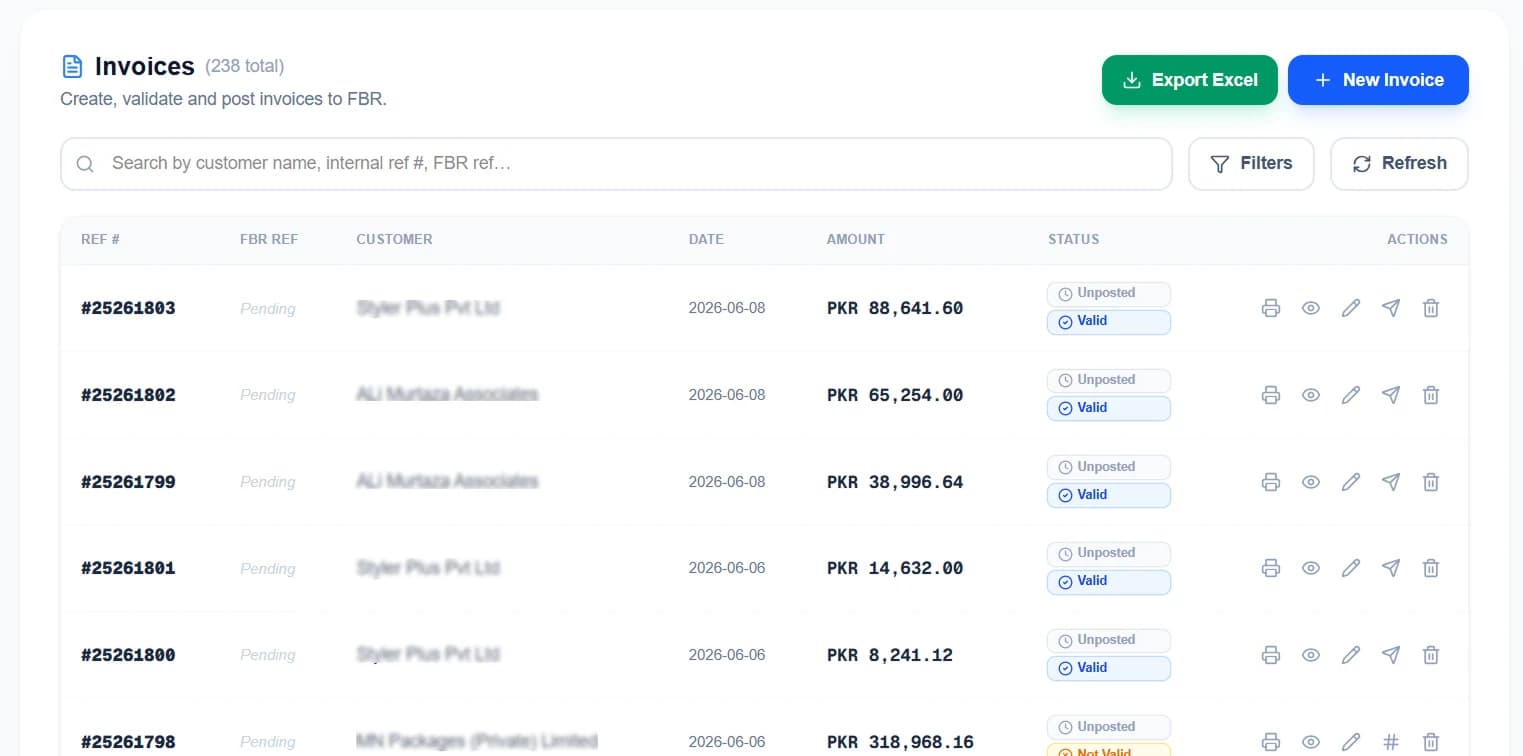
Raise the invoice, validate it, post it, and print the reference number and QR that come back.
What it does
Compliance is a legal obligation, so what matters is exactly what gets sent, what comes back and what is kept.
- Validate before you post
- Every invoice is checked against FBR’s rules first. Errors appear on your screen, where you can fix them, rather than in a rejection you discover later.
- IRN and QR on the document
- FBR returns an invoice reference number and a QR code. Both print on the invoice you hand the buyer, on your own template.
- The full response, kept
- What was sent and what came back is stored against the invoice — rejections included — so there is evidence rather than a status icon.
- Posted invoices lock
- Once FBR has accepted an invoice it cannot be edited. An invoice that no longer matches what FBR holds is worse than no invoice at all.
- HS codes, SRO chain, NTN lookup
- The reference data the filing actually needs, maintained in the product rather than in a spreadsheet on somebody’s desktop.
- Excel export
- The whole invoice register out to Excel whenever your accountant asks for it.
Need more than compliance?
Compliance is one layer. Underneath it sits a complete set of books, and above it can sit the module for the way your business produces.
You want the books too
Customer and vendor ledgers, stock, fixed assets, a real general ledger and thirty reports over it. Included in the same system, not a separate purchase.
You make corrugated boxes
Then the corrugated module is the one you want. It includes everything on this page at no extra cost and adds the costing, production and stock a box plant runs on.
You make something else
Then your module has not been built yet. We come to you, map how the work actually moves, and design it on top of the same accounting core.